
Today — your daily page
The daily dashboard: calendar sync status, the studio's strategic reading, trajectory and recommended actions.
2 min read
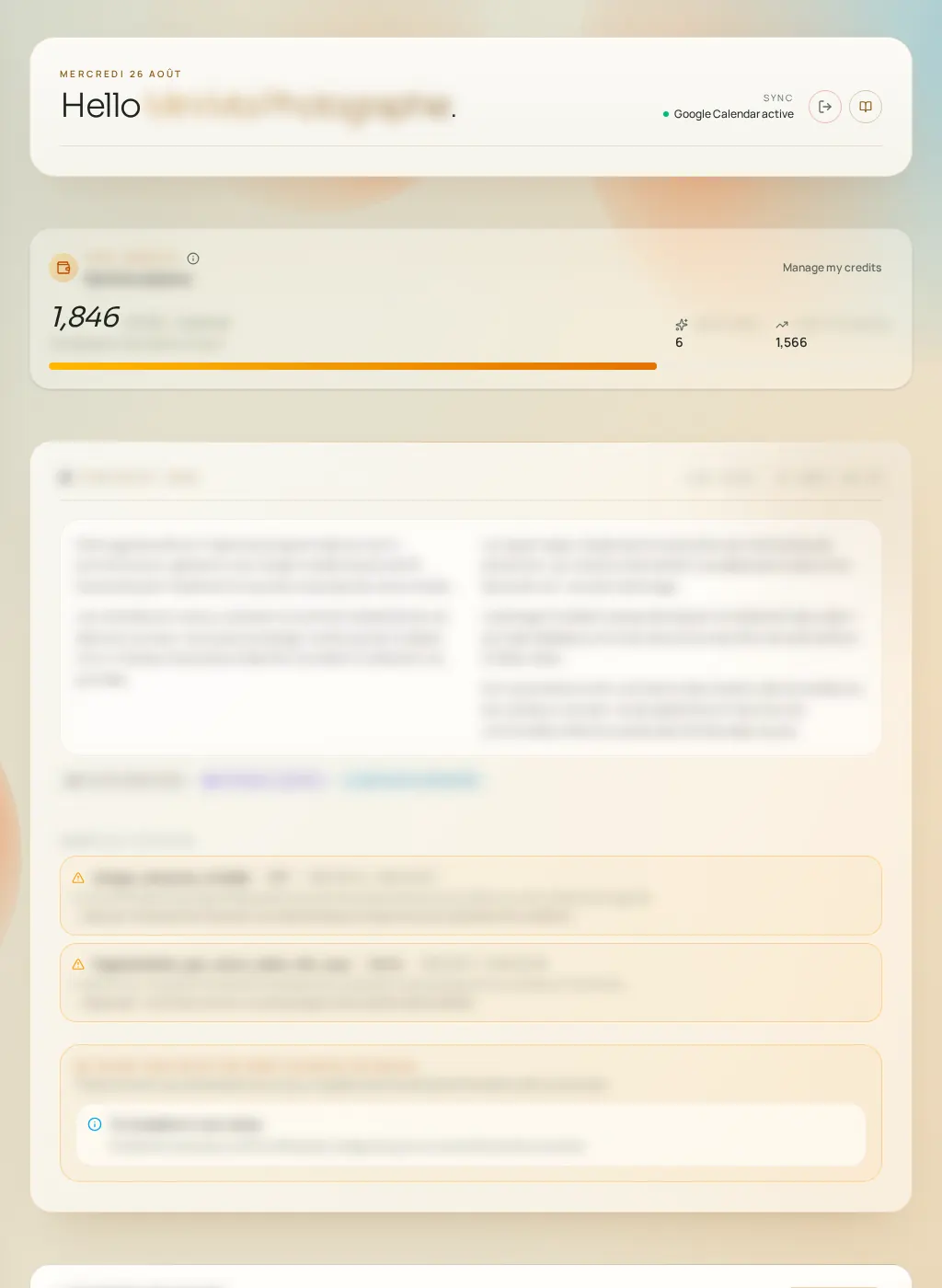
Today is the dashboard home page. At a glance, it answers three questions: is my calendar up to date? What does Fuze see in my activity? What deserves my attention today?
What you'll see
- Calendar sync status (green "in sync" badge, or an alert if reconnection is needed).
- Your credit balance: remaining this month, used today and this month, renewal date.
- The studio's strategic reading: the Studio Brain's synthesis of your period (strong days, slow weeks, premium windows…).
- The trajectory: the estimated curve of your activity over the coming weeks.
- The learning summary: what Fuze recently retained from your feedback.
- Alerts when data is missing (calendar not connected, availability not set…).
Calendar actions
- Connect calendar
- Starts connecting your calendar (authorization window). The first strategic reading requires a connected calendar.
- Read my calendar / Re-read the calendar
- Triggers the full analysis of your calendar. This action consumes credits (see the rate card).
- Restart sync
- Refreshes events from your calendar without a new analysis. Sync also happens automatically.
- Reconnect calendar
- Appears when access to your calendar has expired or been revoked. An alert banner invites you to do this too.
- Disconnect calendar
- Cuts the link. Your past analyses stay visible but are no longer refreshed.