
Competitive analysis
Identify your local competitors and aspirational references, analyze their public presence, then generate a full strategic report.
2 min read
Competitive analysis runs in three stages: find the players in your area, choose the ones that matter, then produce a report that informs your positioning (prices, offers, channels, angles).
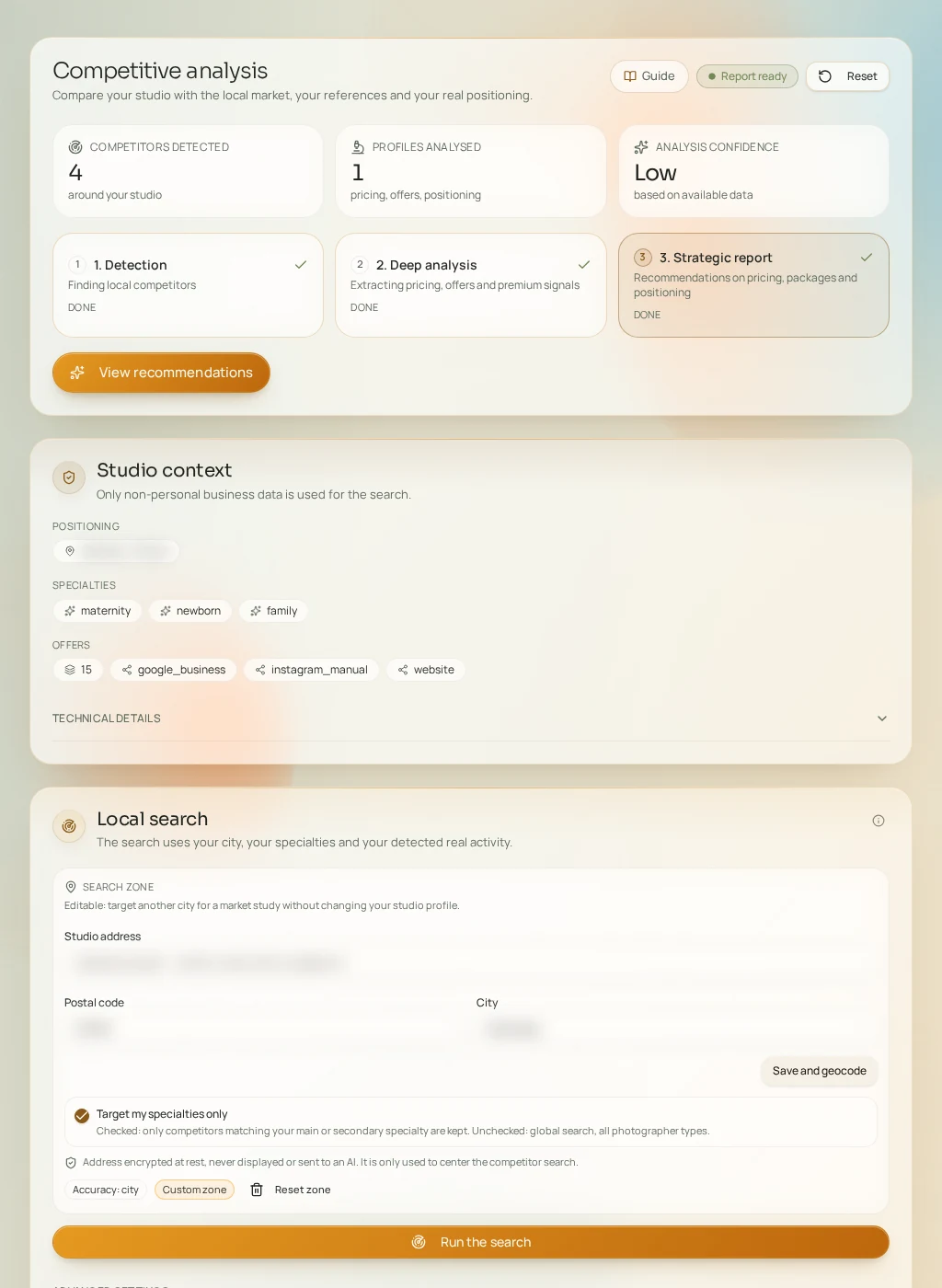
Step 1 — Discovery
- Search zone
- Address, city or postal code, with a radius in km. Pre-filled from your identity, adjustable.
- Max competitors
- The maximum number of candidates returned.
- Depth
- Fast, Standard or Deep — the deeper the search, the more thorough (and longer) it is.
"Find competitors" runs the search (consumes credits) and lists detected candidates. You can also manually add a competitor or an aspirational reference (name, website, and why you like it).
Step 2 — Validate the right profiles
Each candidate can be validated or ignored. Only validated profiles move on to analysis: take time to dismiss off-topic ones (wrong specialty, wrong area), because detailed analysis is billed per validated competitor.
Step 3 — Extraction and report
Extraction analyzes each validated competitor's public presence (site, offers, tone), then the full report consolidates everything into strategic recommendations for your studio. Extraction and report each consume credits, shown before launch. The workflow reset button lets you start over.