
Voice & brand
Tone, style, preferred or banned words, luxury level: everything that makes generated text sound like your studio.
2 min read
This page teaches Fuze how your studio speaks. It shapes all generated text: captions, posts, emails, plans.
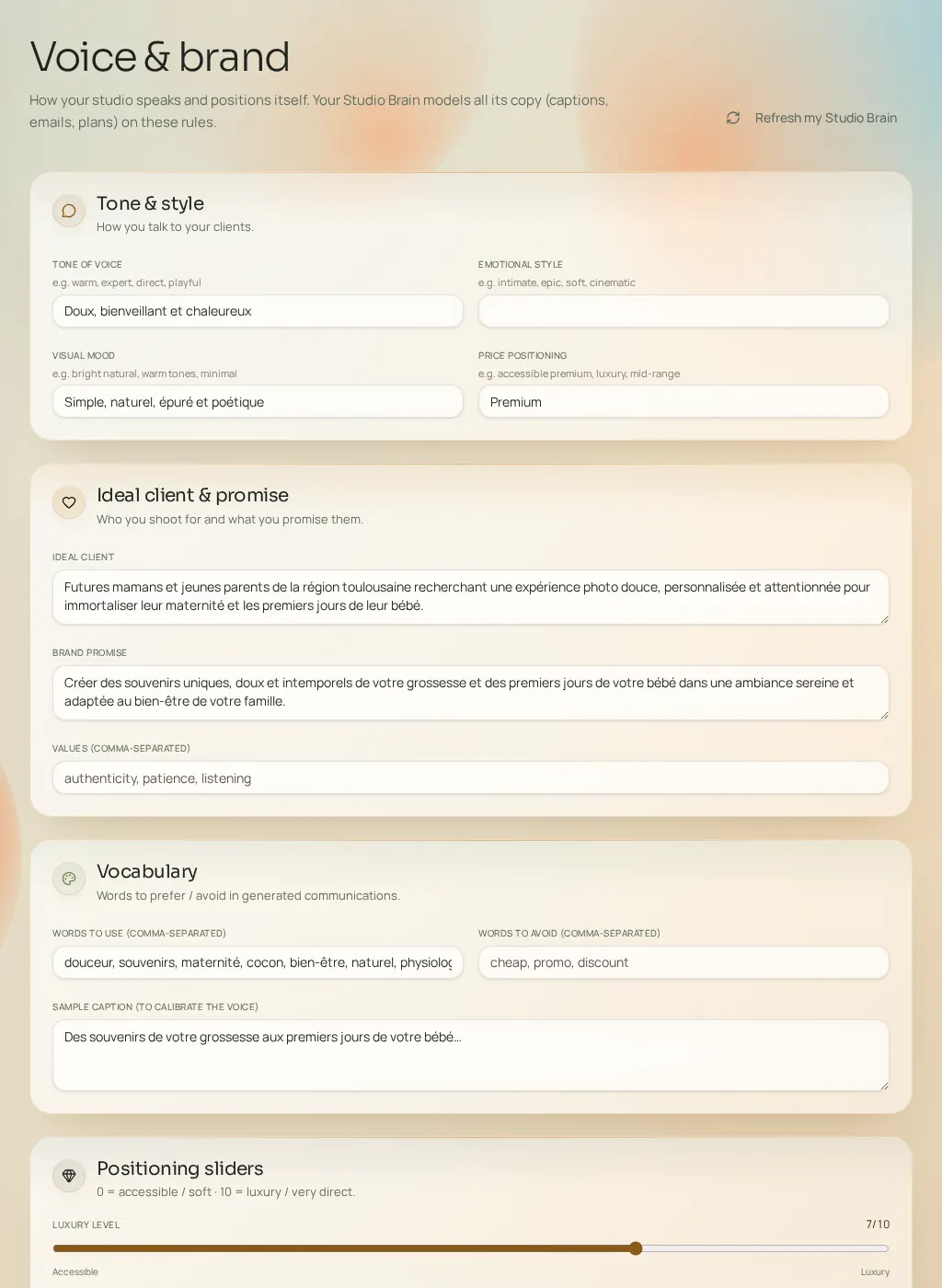
The settings
- Tone of voice and emotional style
- Warm, expert, direct, playful; intimate, epic, gentle, cinematic… The base duo of your writing.
- Visual mood and price positioning
- Natural light, warm tones, minimal; accessible premium, luxury, mid-range. Text-image-price consistency.
- Ideal client and brand promise
- Who you talk to and what you promise them — the filter for every message.
- Values, words to use, words to avoid
- Comma-separated lists. Words to avoid are excluded from generated content; words to use are favored.
- Example caption
- A real text of yours. It's the most effective calibration: paste your best caption.
- Luxury level and directness
- Two 0–10 sliders, from "accessible" to "luxury" and from "gentle" to "very direct".