
Action plans
The complete campaign plan: angle, schedule, channels, ready-to-publish content, visual storyboard and execution tracking.
2 min read
An action plan is the full deployment of an opportunity: an angle, a publication schedule, chosen channels, and written content ready to publish. It's the richest — and most credit-intensive — piece of Fuze.
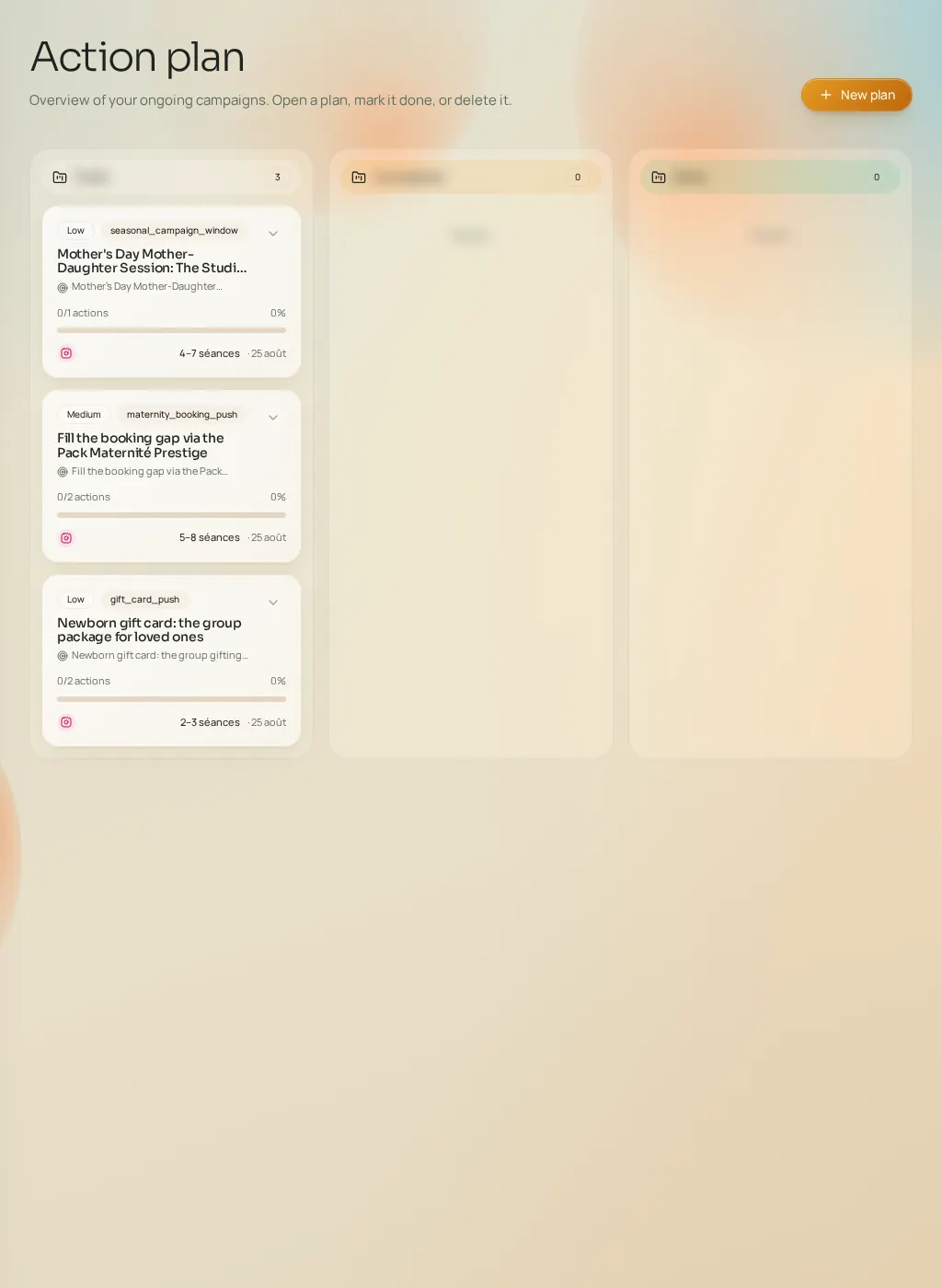
A plan's tabs
- Overview
- The diagnosis, the positioning angle, the strategy summary and the plan's real credit cost (badge with a function-by-function breakdown).
- Calendar
- The plan's dated actions. They automatically feed the Publication schedule.
- Channels
- The selected channels and what's planned on each.
- Booking
- The links your content points clients to (your site, your booking tool — configured in the Tracking tab).
An action's sheet
Each action in the plan opens into a detailed sheet with three tabs: "Content" (the ready-to-publish copy), "Strategy" (why this action, at this time, on this channel) and "Execution" (how to carry it out). Opening a sheet for the first time generates its detailed content and consumes a small number of credits; a plan is capped at 5 actions — rich rather than numerous.
Generating and regenerating content
- Content is pre-generated in batches (at most 5 actions per opening); if credits run out, generation stops cleanly and the top-up window opens.
- Each piece of content can be regenerated individually ("rewrite") for a small cost.
- A visual storyboard can accompany the plan: each storyboard image is billed per unit, and only successful images are charged.
- A plan can be regenerated with a new angle ("new plan angle"): that's a full generation, at the same cost as a new plan.
Track and teach
- "Mark as done" flips the plan to completed (reversible).
- Thumbs and 1–5 star ratings on actions aren't cosmetic: they feed the learning profile that steers future recommendations.
- Deleting a plan is permanent and asks for confirmation.