Connections
The control center for your linked accounts: sign-in account, calendar and analytics — status, last sync, actions.
2 min read
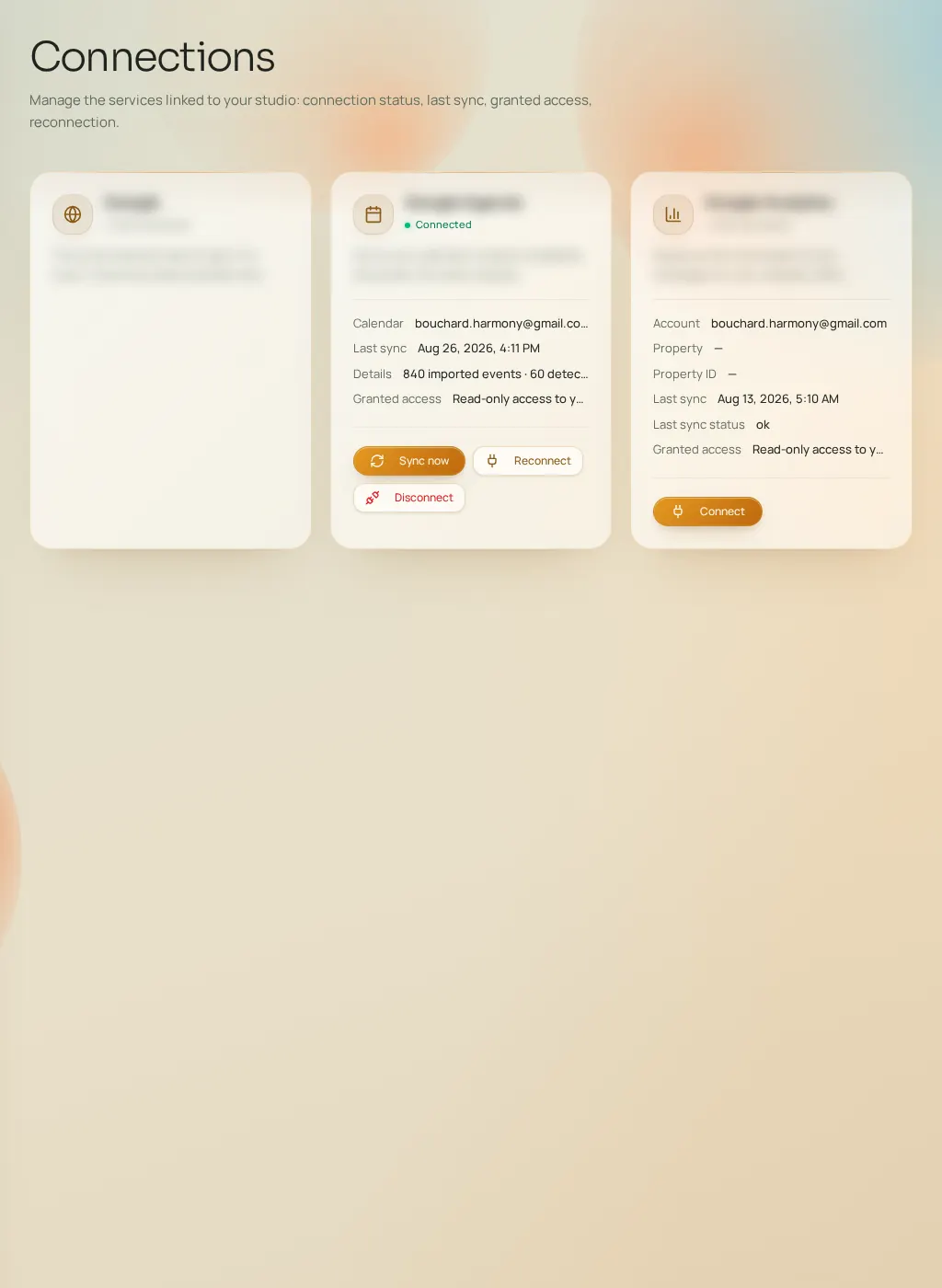
The Connections page gathers everything linking Fuze to your tools. Each connection shows a status dot (green: active, red: error, amber: action required, gray: not connected), the linked account and the last sync.
Available connections
- Sign-in account
- The account you signed up with. Informational card: account address and link date. It can't be disconnected here — it's how you sign in to Fuze.
- Connected calendar
- The reading of your calendar. Actions: "Sync now", "Reconnect" (if access expired), "Disconnect" (with confirmation). Shows the calendar name, last sync, volume of events read and any error.
- Mesure d'audience
- Your site's audience measurement. Actions: connect, choose the property to track (takes you to the Tracking tab), reconnect, disconnect. Until a property is chosen, the status stays "action required".
What happens if…
- You disconnect the calendar: existing analyses stay readable but are no longer refreshed; new recommendations rely on your declared availability.
- Sync fails: the status switches to error with details; "Reconnect" restores access in most cases.
- You disconnect analytics: campaign performance stops updating, with no effect on the rest of the product.