
Strategy preferences
How Fuze should talk to you and trade off revenue, workload and growth — the recommendation engine's fine tuning.
2 min read
These settings drive the tone of recommendations and how Fuze arbitrates when several goals compete.
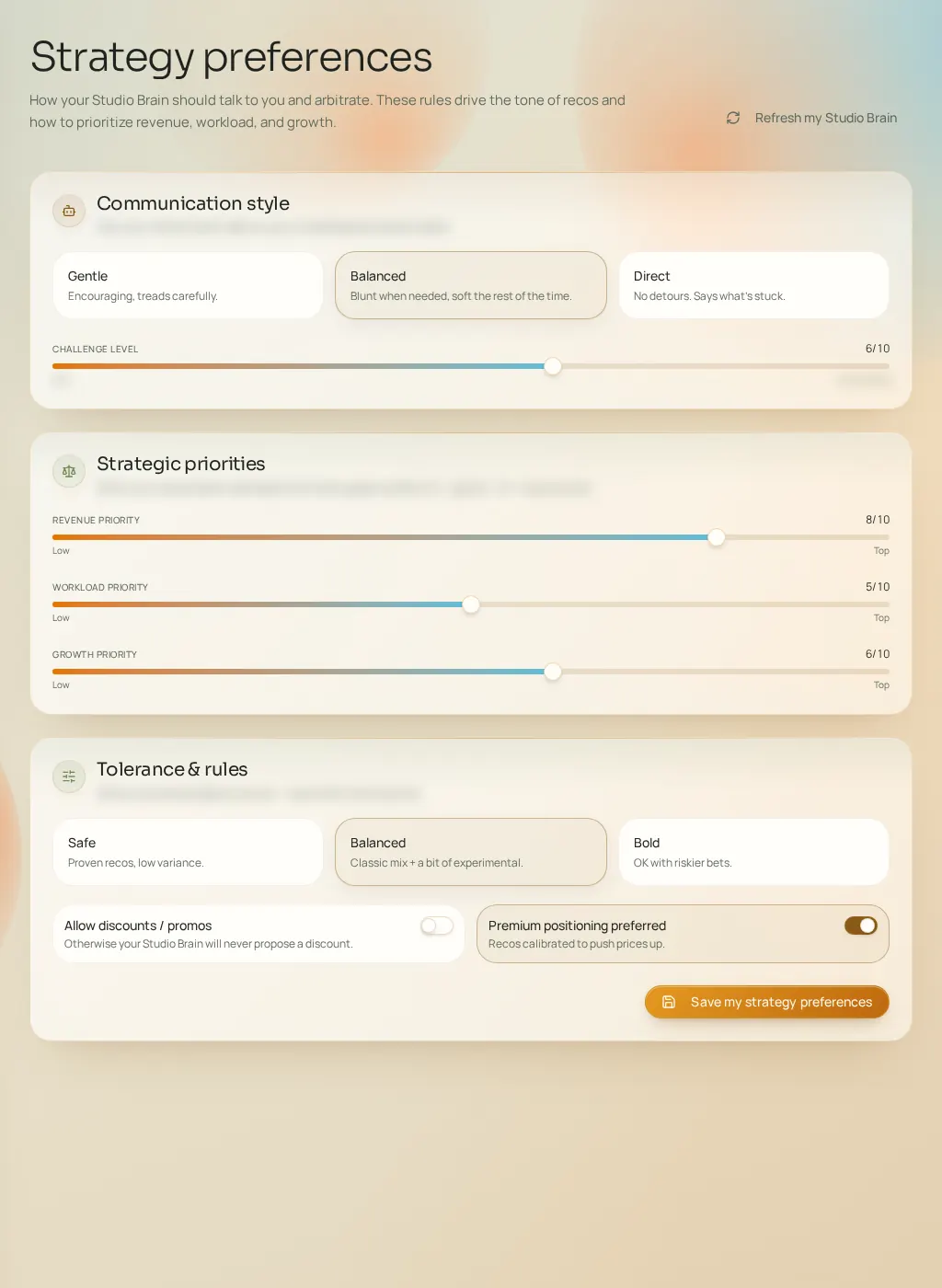
- Communication style
- Supportive, balanced or direct: how recommendations are presented to you.
- Challenge level
- From gentle to confronting (0–10 slider). A high level pushes Fuze to challenge your habits rather than confirm them.
- Revenue / workload / growth priorities
- Three 0–10 sliders. When arbitration is needed, the highest slider wins.
- Risk tolerance
- Cautious, balanced or bold: doses proven strategies against new bets.
- Allow discounts
- The master switch for promotions — combine it with "Avoids discounts" in Constraints for a total block.
- Prefer premium positioning
- Favors high-end angles when they're credible for your studio.