
Availability & schedule
Each day's role, your hours, session ceilings and time off — the raw material behind every proposed date.
2 min read
The weekly grid
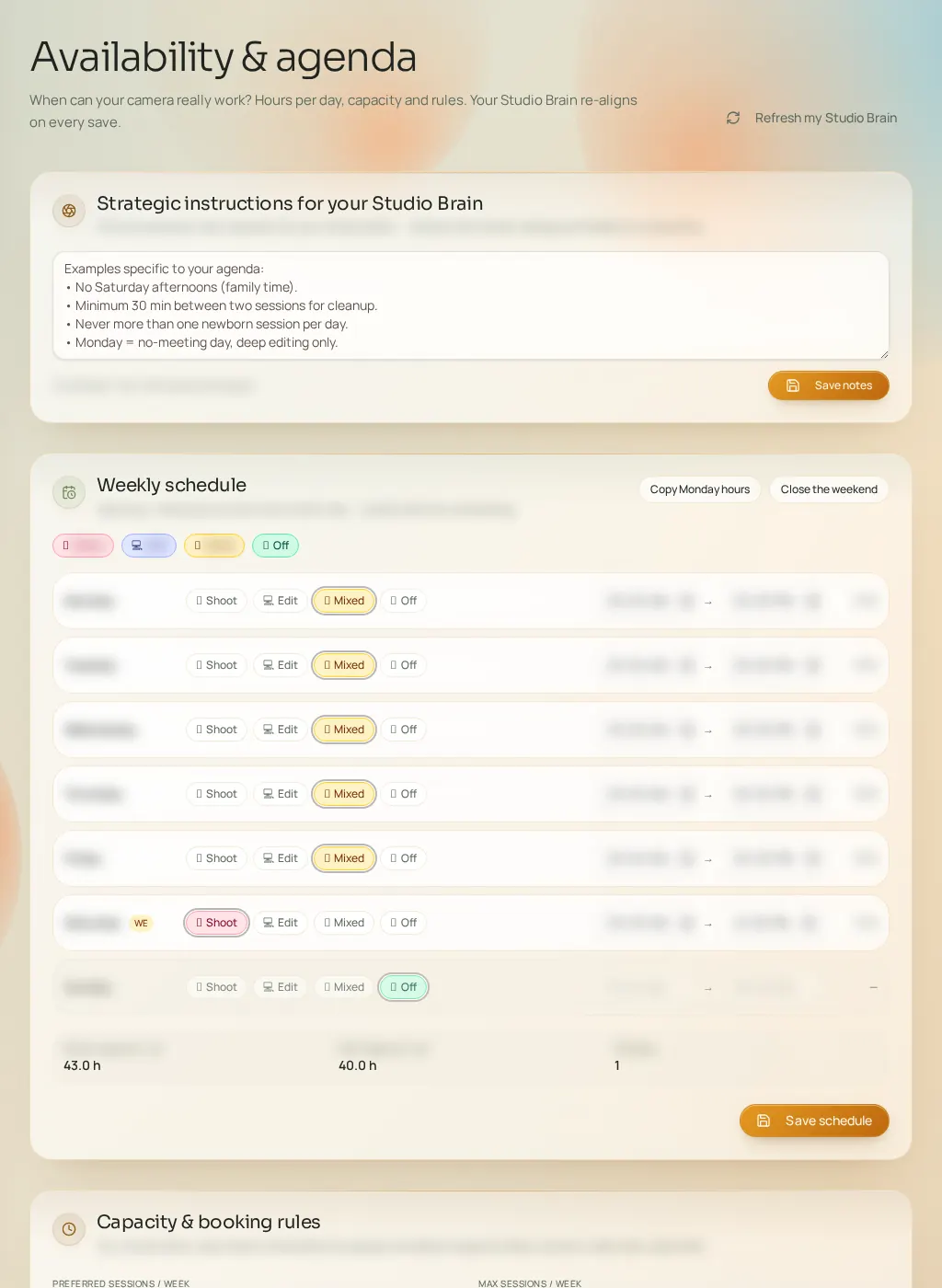
Each day gets a role — Shoot, Editing, Mixed or Closed — with opening hours. Two shortcuts save time: "Copy Monday everywhere" and open/close the weekend in one tap. These roles determine where Fuze can propose sessions and which slots it should avoid.
Capacity and guardrails
- Preferred sessions / weekly cap
- The comfortable pace and the absolute maximum. The cap is respected even by volume strategies.
- Max editing hours / week
- Prevents plans that would multiply sessions beyond your post-production capacity.
- Minimum notice (hours)
- Slots that are too close are avoided to limit unrealistic proposals.
- Acceptable empty slots
- Your tolerance for gaps in the schedule.
- Burnout sensitivity
- Low, medium or high: modulates how aggressive workload recommendations get.
- Premium weekends / Last minute / Fill slow days
- Three switches steering weekend pricing, last-minute booking acceptance and gap-filling strategies.
Time off
Add your absence periods (start and end dates, optional reason). The end must be after the start — saving checks it. These periods help avoid dating opportunities during time off.