
Account settings
Auto-saving studio profile, languages, Studio Brain refresh, data export, reset and account deletion.
2 min read
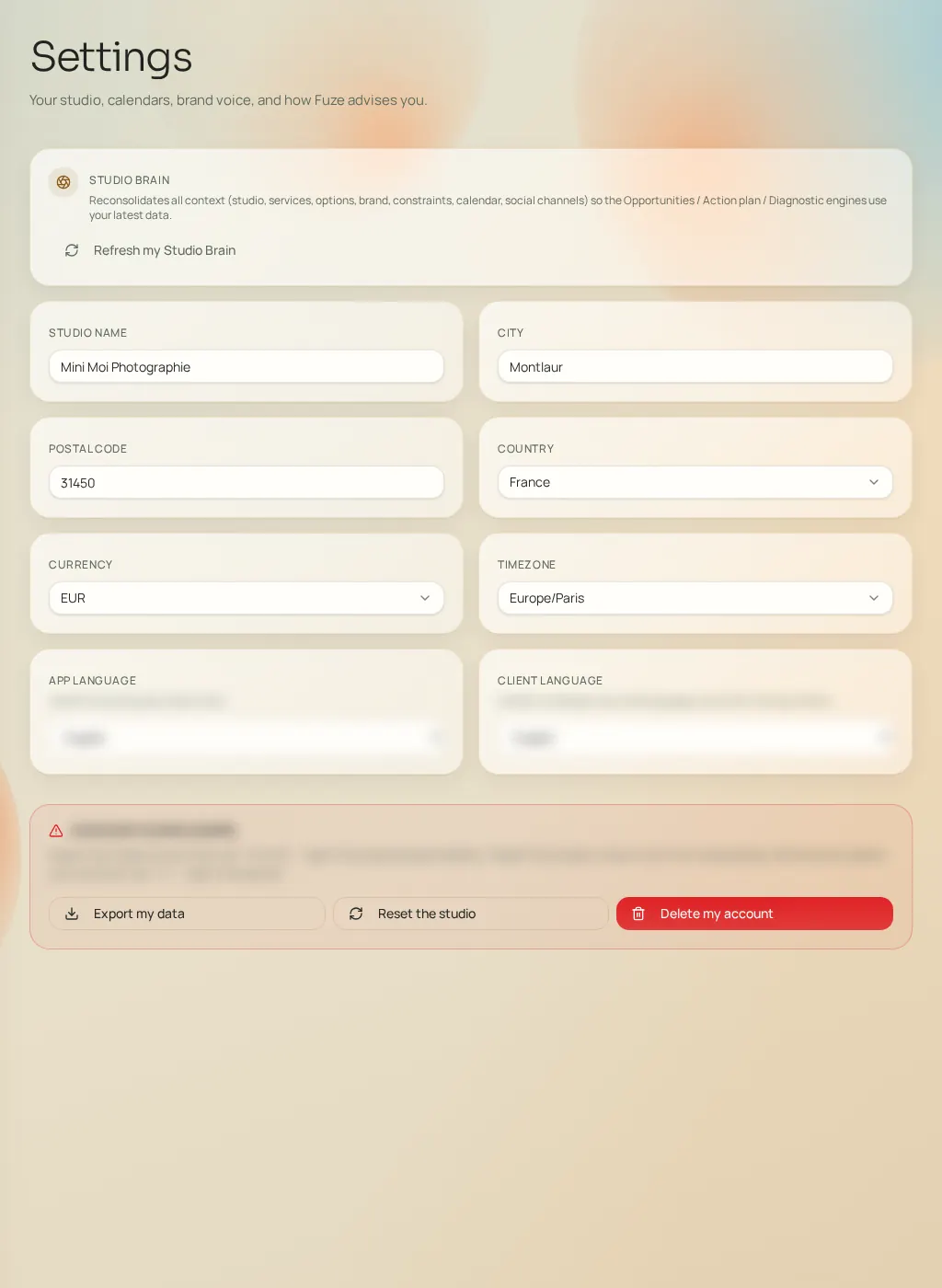
The Settings page manages your account in the broad sense. Profile fields (name, city, postal code, country, currency, time zone) save automatically when you leave the field — no button to look for. Languages (app and client) apply immediately with confirmation.
Manual refresh
The "Refresh my Studio Brain" card forces a complete re-read of your data, with the last refresh date and a summary of what was taken into account (services, channels, events). Useful after a series of changes.
The control zone
- Export my data
- Downloads a JSON file containing your studio data. Recommended before any irreversible action.
- Reset my studio
- Erases the studio's data (opportunities, plans, learning) and takes you back to onboarding. A confirmation dialog protects the action.
- Delete my account
- Permanently deletes the account and its data, after confirmation, then signs you out. Irreversible.