
Booking links
Define where your clients convert: website, booking tool or contact page — your plans' content points to these addresses.
2 min read
Content generated by Fuze calls to action: book, request a quote, contact you. For that call to land somewhere, Fuze needs to know where to send your clients. That's what destination links are for, configured in the Tracking tab, "Site and destination links" block.
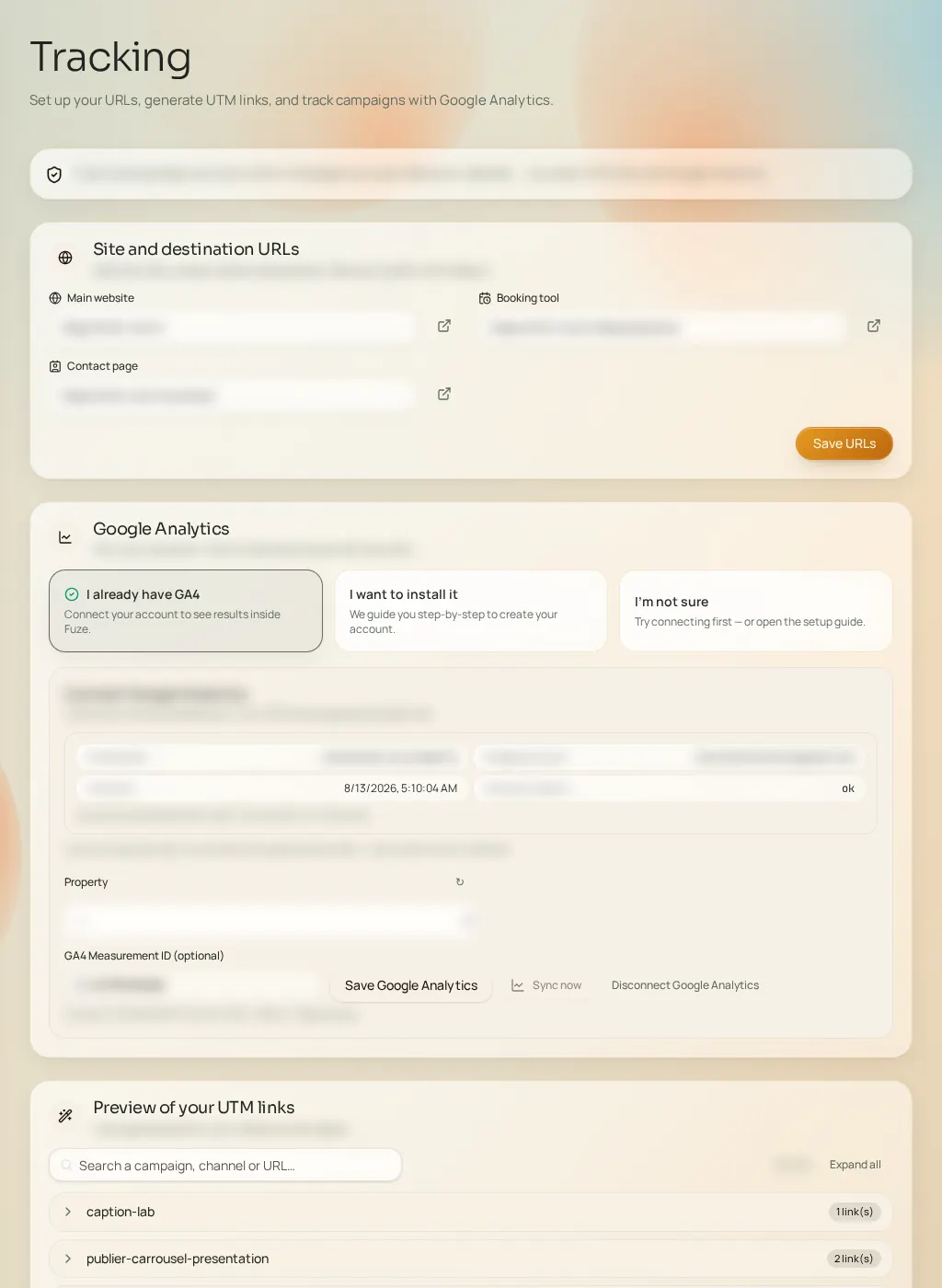
The three addresses
- Main website
- Your site's address. Used as the default destination and to analyze your online presence.
- Booking tool
- The direct link to your appointment tool, if you have one. It's the preferred destination for "book now" calls to action.
- Contact page
- Your contact or quote-request page address — used when direct booking doesn't exist or isn't relevant.
Save with "Save URLs". You can fill one, two or all three addresses: Fuze picks the most suitable one for each piece of content.